How to Launch an AI Tool in 2026: A Step-by-Step Plan
AI tools launch into a crowded market. Here is how to prepare the product page, where to list it, and how to run launch week so people actually try it.
Oct 12, 20265 min read
On this page
- Step 1: Narrow the promise to one job
- Step 2: Make the output easy to judge
- Step 3: Make pricing clear, including limits
- Step 4: Prepare one launch kit
- Step 5: Choose where to list
- A lasting product page
- One general launch board
- The AI catalogs
- Step 6: Run launch week
- Step 7: Measure what matters
- Step 8: Keep going after launch day
- FAQ
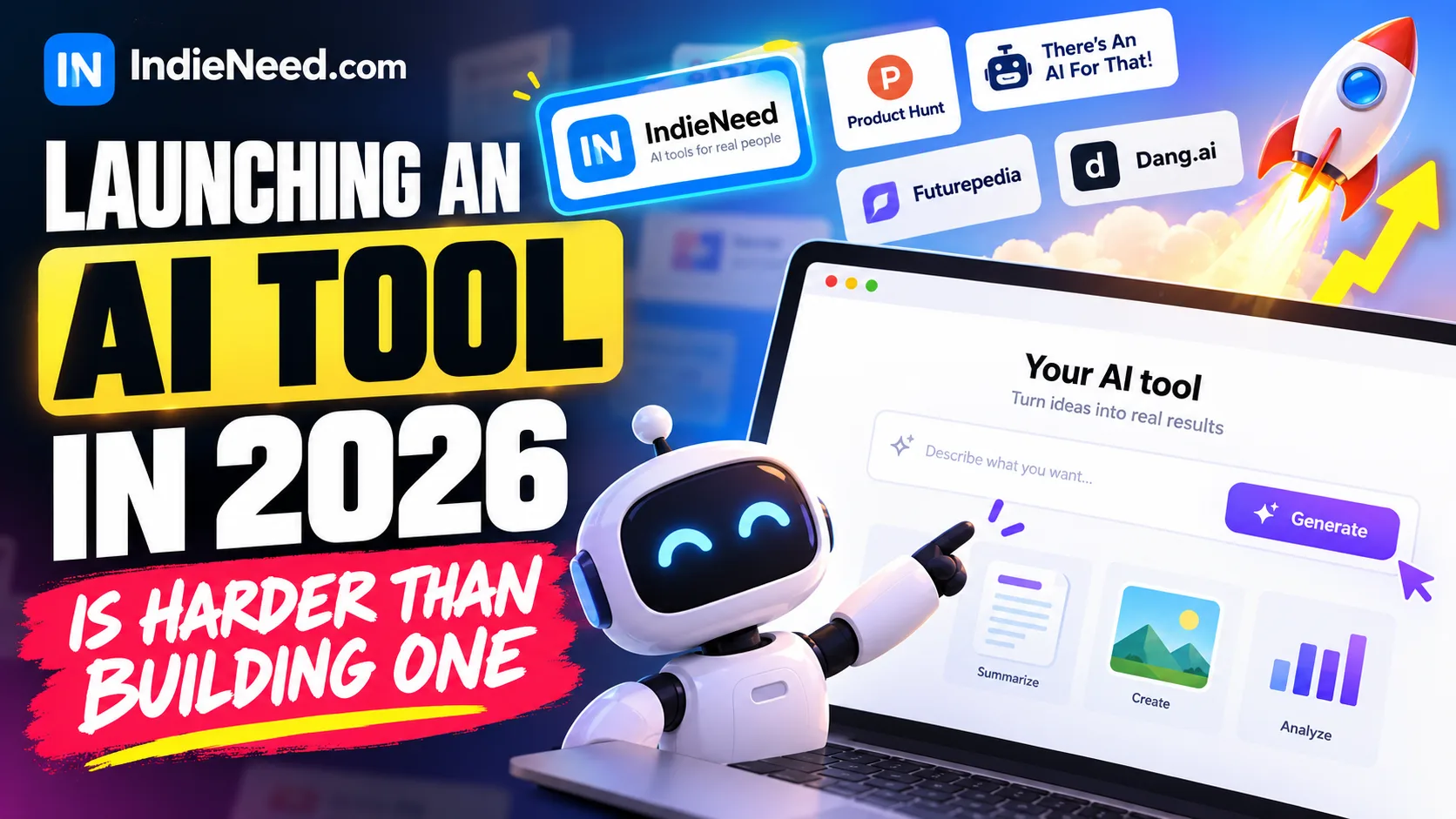
Launching an AI tool in 2026 is harder than building one. People see dozens of new AI products every week, and most of them look the same from the outside: a text box, a gradient and a claim about saving hours.
The tools that get users make one thing obvious fast: what job the tool does, for whom, and why the output can be trusted. This plan walks through preparation, where to list, launch week and the first month after.
Quick answer: pick one job your tool does well and show it working in the first screen. Let people try it before signing up if you can. List on IndieNeed and one general launch board, then on the AI catalogs (There's An AI For That, Futurepedia, Dang.ai). Track every listing with its own UTM link, and keep improving the page for a month after launch day.
Step 1: Narrow the promise to one job
"AI assistant for everything" is not a launch. "Turns a sales call recording into a follow-up email" is.
Before you write any launch copy, finish this sentence: "[Tool] helps [specific person] [do one job] in [less time or with less effort]." That sentence becomes your tagline, the first line on every directory and the test for what to cut from the homepage.
People search AI catalogs by task. A narrow promise matches those searches; a broad one matches nothing.
Step 2: Make the output easy to judge
AI products have a trust problem that normal SaaS does not: the output can be wrong. Help people judge it quickly:
- Show real examples. Two or three before-and-after samples on the homepage do more than any claim.
- Let people try it. A demo without sign-up, or a few free runs, removes the biggest reason people bounce.
- Say what it cannot do. A short "works best for / not for" list builds more trust than promising everything.
- Explain data handling. One plain paragraph: what you store, what you send to model providers, and whether customer data trains anything.
Step 3: Make pricing clear, including limits
AI pricing confuses people because usage costs money. Before launch, make sure a visitor can answer three questions in ten seconds:
- Is there a free plan or trial, and what does it include?
- What is the paid price, and is it monthly or one-time?
- What are the limits (runs, credits, words, minutes)?
If your title or tagline mentions a price, keep it consistent everywhere. Mismatched pricing across listings is one of the fastest ways to lose trust.
Step 4: Prepare one launch kit
Every directory asks for the same things. Prepare them once:
- Name and a one-line tagline (the sentence from step 1)
- A 2–4 sentence description: who it is for, what they can try first
- A square logo and three screenshots that show real output, not just the empty interface
- A 30–60 second demo video if you have one
- Pricing model and the link to your pricing page
- A UTM link for each site you list on
Our guide to writing a better product listing covers each part, and the SaaS launch checklist catches the technical gaps before launch day.
Step 5: Choose where to list
Use three layers, in this order.
A lasting product page
List on IndieNeed first. A free listing is reviewed and then stays up as a product page with upvotes and reviews, in the AI category next to similar tools. Paid plans skip review and go live on a date you choose. See pricing.
One general launch board
Pick one that fits your audience for a focused launch day:
- Product Hunt for a coordinated 24-hour launch
- Uneed or Fazier for maker-led launches
- DevHunt if your tool is for developers (an API, SDK or coding tool)
The AI catalogs
These are where people search AI tools by task:
- There's An AI For That: a large task-based index
- Futurepedia: AI tools by job, category and use case
- Dang.ai: a curated catalog of practical AI software
All three have a free route and paid options. Use the same tagline on each, built around the task. Compare them and others on our startup directories list, or see free startup directories if you are launching on no budget.
Step 6: Run launch week
- Day 1: go live on IndieNeed and your chosen launch board. Reply to every comment and question that day.
- Day 2–3: submit to the AI catalogs. Post a short build story where your users already are (a community, a newsletter, your own social accounts).
- Day 4–5: fix the top three things people got stuck on. Update screenshots if the product changed.
- Day 7: compare results by source and stop spending time on sites that sent no real users.
Step 7: Measure what matters
Visits are not the goal. Pick one action that shows real interest, such as a completed first run or a saved result, and measure it per source. Give each listing its own UTM link, as shown in how to track startup directory traffic.
Step 8: Keep going after launch day
Most AI tools get a spike and then silence. What keeps people coming:
- Ship visible updates. Post them as product updates on your listing pages, not just on X.
- Collect honest reviews from people who used the tool for real work. Here is how to ask users for honest reviews.
- Write about the job, not the tool. A useful article about the task your tool does will be found for months.
- Follow the four-week plan in how to promote your SaaS after launch.
FAQ
Where should I launch an AI tool? Start with a lasting product page (IndieNeed), one launch board that fits your audience, and the AI catalogs: There's An AI For That, Futurepedia and Dang.ai.
Should my AI tool have a free plan? If you can afford it, yes, or at least a demo without sign-up. People want to judge the output before paying.
How long should I prepare before launching? Long enough that a stranger can understand the tool, try it, and see pricing in under a minute. For most small teams that is a week of preparation after the product works.
Can I list an AI tool on IndieNeed for free? Yes. Submit your product; after a quick review it goes live in the AI category with its own page.
Launch your product on IndieNeed
Free to submit, hand-reviewed, and you pick the launch day.
Submit a productProducts to explore
Related articles
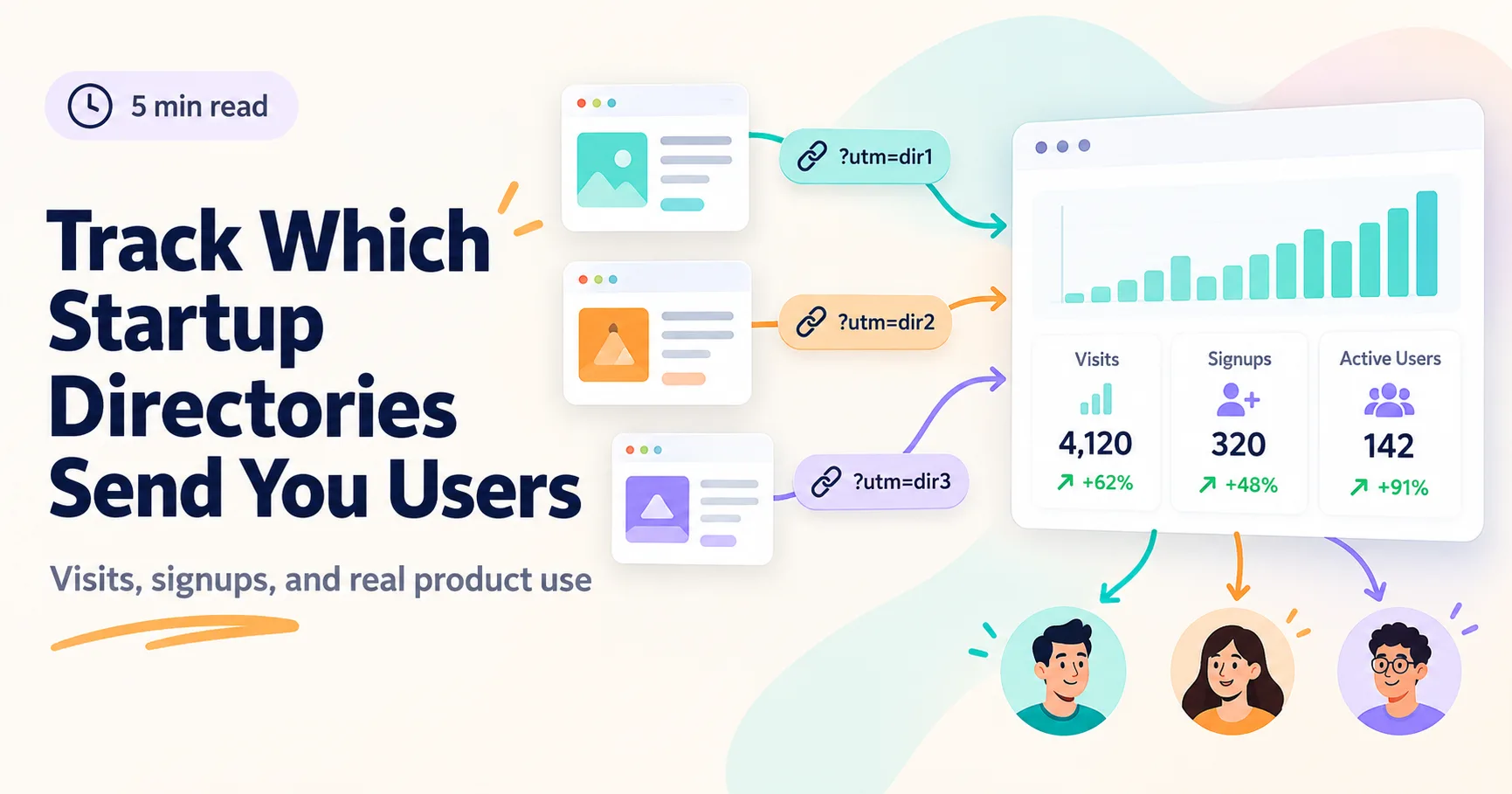
How to Track Which Startup Directories Send You Users
A directory listing is only useful if the right people find your product. Learn how to track visits, signups, and actual use from each site.
Oct 7, 20265 min read
How to Ask Users for Honest Product Reviews
Want useful reviews for a new product? Ask people who have actually used it, make the request easy, and welcome criticism.
Sep 29, 20265 min read
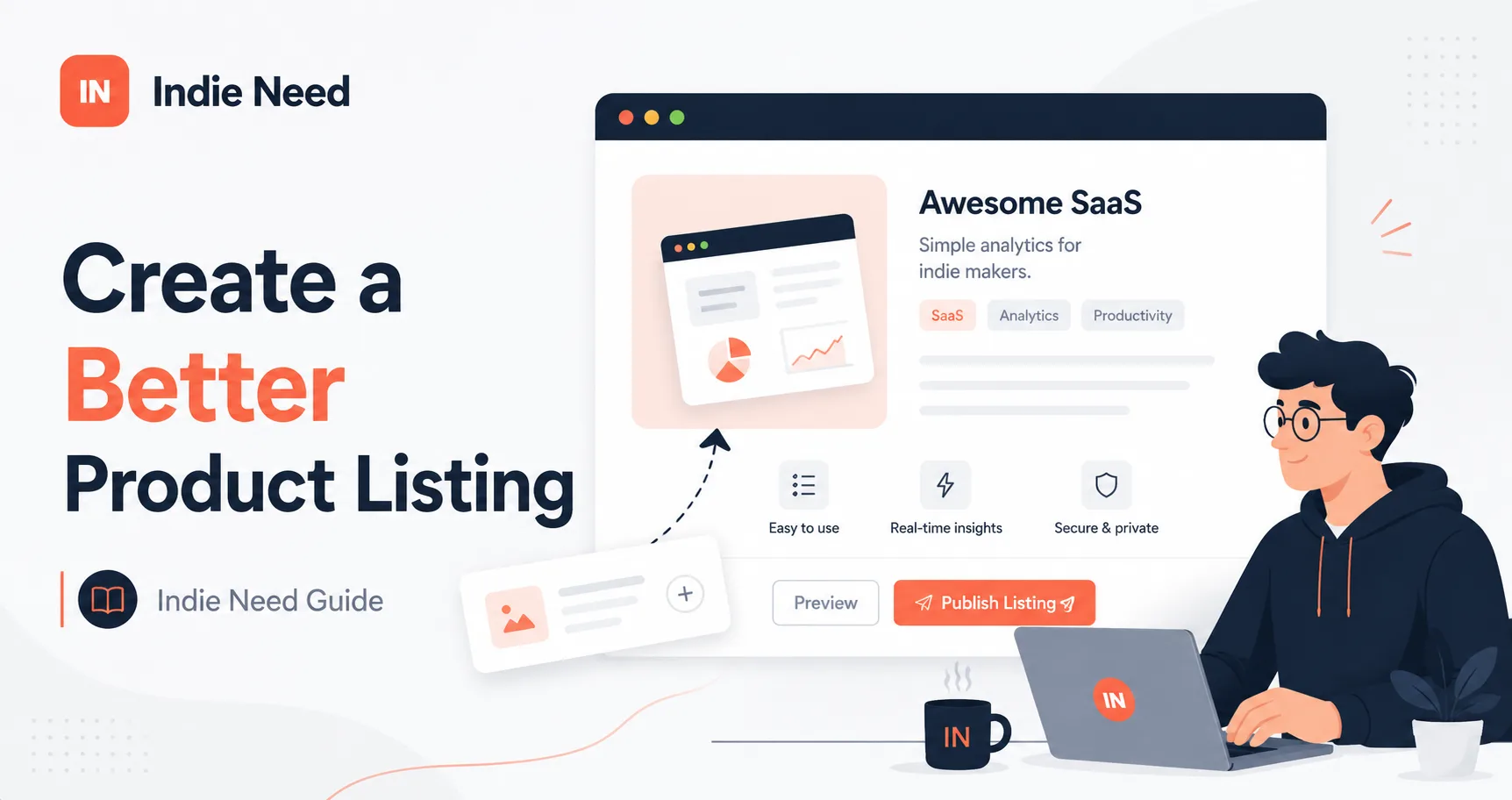
How to Create a Better Product Listing on IndieNeed
A good product can still get ignored if people don't understand it. Here's how to create a clear Indie Need listing that helps visitors quickly understand what you built and why it's useful.
Aug 21, 202611 min read