SaaS Launch Checklist: 25 Things to Check Before You Launch
A simple SaaS launch checklist for founders covering everything worth checking before, during and after launch day.
From the IndieNeed blog: guides for indie makers launching a product.
11 min read
On this page
- Quick SaaS Launch Checklist
- Product
- Website
- Payments
- SEO and sharing
- Launch
- 1. Test the product like a new user
- 2. Make your homepage understandable in seconds
- 3. Make the main action obvious
- 4. Test signup
- 5. Test login and password reset
- 6. Check onboarding
- 7. Test your core feature
- 8. Test mobile properly
- 9. Fix empty states
- 10. Make error messages useful
- 11. Check your pricing page
- 12. Test payments with the production flow
- 13. Check emails
- 14. Add a real support path
- 15. Publish your basic trust pages
- 16. Check every important link
- 17. Write proper page titles
- 18. Add useful meta descriptions
- 19. Check your social sharing image
- 20. Check indexing basics
- 21. Install analytics before launching
- 22. Decide what success means
- 23. Prepare real screenshots
- 24. Prepare your launch pages before launch day
- 25. Be available after you launch
- What should you check one hour before launch?
- What should you do after launching a SaaS?
- How do I launch a SaaS with no audience?
- Should a SaaS be perfect before launch?
- Final SaaS pre-launch checklist
You finally built your SaaS.
The homepage is ready.
Signup works.
The main feature works.
It can feel like you're ready to hit Launch.
But small problems that seem harmless while building can become painful when real users arrive.
A broken password reset, confusing pricing page or failed checkout can lose a customer before you even know they visited.
This SaaS launch checklist focuses on the things worth checking before real users start arriving.
You don't need a perfect product.
You need a product people can understand, try and trust.
Quick SaaS Launch Checklist
Before launching, check these 25 things:
Product
- [ ] Your main feature works from start to finish
- [ ] Signup works
- [ ] Login works
- [ ] Password reset works
- [ ] Mobile layout works
- [ ] Empty states make sense
- [ ] Error messages are useful
Website
- [ ] Homepage clearly explains the product
- [ ] Main CTA is obvious
- [ ] Pricing is understandable
- [ ] Contact or support option exists
- [ ] Privacy Policy is published
- [ ] Terms are published
Payments
- [ ] Checkout works
- [ ] Successful payments unlock the correct plan
- [ ] Failed payments are handled
- [ ] Cancellation works
SEO and sharing
- [ ] Page titles are correct
- [ ] Meta descriptions are written
- [ ] Social sharing image works
- [ ] Sitemap exists
- [ ] Important pages can be indexed
Launch
- [ ] Analytics works
- [ ] You know your main conversion event
- [ ] Launch screenshots are ready
- [ ] Your product listing is ready
- [ ] You have a plan for launch-day feedback
Let's go through the important ones.
1. Test the product like a new user
Founders usually test their product differently from real users.
You already know where every button is.
A new visitor doesn't.
Open your product in a private browser and start completely fresh.
Try to:
- Understand the homepage
- Create an account
- Verify your account if required
- Complete onboarding
- Use the main feature
- Upgrade if there is a paid plan
- Log out and sign back in
Do not use admin shortcuts.
Experience exactly what a new customer will experience.
If something feels confusing to you even though you built it, it will probably be worse for a first-time visitor.
2. Make your homepage understandable in seconds
A visitor should quickly understand:
What is this?
Who is it for?
What does it help me do?
Avoid introductions such as:
The next-generation AI-powered platform transforming productivity.
That could describe thousands of products.
Something like this is clearer:
Turn customer interviews into searchable notes and action items.
Specific usually beats impressive.
3. Make the main action obvious
Decide what you want a new visitor to do.
Maybe it is:
- Start free
- Create account
- Try demo
- Join waitlist
- Submit product
- Install extension
That action should be easy to find.
If your homepage has five equally important buttons, visitors have to decide what you want them to do.
Make the primary path obvious.
4. Test signup
Create a completely new account.
Check:
- required fields
- email validation
- verification emails
- duplicate accounts
- loading states
- error messages
- redirects after signup
Then test it on mobile.
Signup is one of the worst places to discover a production bug.
5. Test login and password reset
Password reset is easy to forget because founders rarely use it themselves.
Test the entire flow:
- Request reset
- Receive email
- Open reset link
- Set new password
- Sign in using the new password
Also check what happens when the reset link is expired or already used.
6. Check onboarding
Don't make a new user stare at an empty dashboard wondering what to do.
Show them the next action.
That could be:
Create your first project
or:
Connect your website
or:
Upload your first file
The user should know how to reach the product's first useful result.
7. Test your core feature
Find the one thing people are paying attention to your product for.
Test that workflow harder than anything else.
Try:
- normal input
- very short input
- very long input
- missing information
- incorrect information
- slow internet
- refreshing halfway through
- opening the product on mobile
Your launch does not need every planned feature.
Your main feature does need to work.
8. Test mobile properly
Do not only shrink your desktop browser.
Open the actual website on a phone.
Check:
- horizontal scrolling
- buttons going outside the screen
- overlapping text
- menus
- forms
- modals
- tables
- images
- checkout
Founders often discover mobile problems only after launch traffic arrives.
Find them first.
9. Fix empty states
A new account naturally contains very little data.
That means new users often see your empty states before they see the impressive parts of your product.
Instead of:
No projects.
Try:
You haven't created a project yet. Create your first one to start tracking customer feedback.
Give people somewhere to go next.
10. Make error messages useful
This:
Something went wrong.
doesn't help much.
When possible, explain what the person can do.
For example:
We couldn't upload this image. Try a JPG or PNG smaller than 5 MB.
Useful errors reduce frustration and support requests.
11. Check your pricing page
A visitor should be able to understand:
- what each plan costs
- whether there is a free plan
- whether there is a trial
- what is included
- billing frequency
- whether they can cancel
Avoid making people contact you just to understand basic pricing unless your sales model genuinely requires it.
12. Test payments with the production flow
Before asking anyone to pay, confirm that your complete payment journey works.
Check:
- checkout opens
- correct amount is displayed
- correct plan is selected
- successful payment is recorded
- account receives the correct access
- receipt or confirmation is sent
- cancellation works
Also test what happens when payment fails.
A working payment page is not enough.
The account needs to receive the thing the customer purchased.
13. Check emails
Test every important automated email.
Examples:
- account verification
- password reset
- welcome email
- payment confirmation
- subscription cancellation
- important product notifications
Check both the content and links.
A beautiful email with a broken button is still broken.
14. Add a real support path
Early users will find things you missed.
Give them an easy way to tell you.
This could be:
- support email
- contact form
- in-app feedback
- community link
Make it visible.
Early support conversations are also useful product research.
15. Publish your basic trust pages
For most SaaS products, users expect to find pages such as:
- Privacy Policy
- Terms of Service
- Contact
- Pricing
Depending on what your product does and where you operate, you may need additional legal or compliance work.
Do not copy random policies from another startup and assume they apply to you.
16. Check every important link
Click your:
- logo
- navigation
- CTA buttons
- footer
- pricing links
- social profiles
- documentation
- email links
- login links
Broken links make a young product feel much less trustworthy.
17. Write proper page titles
Avoid having every page called:
My App
Give important public pages descriptive titles.
For example:
Website Monitoring for SaaS Teams | Example
rather than:
Home
Titles help both visitors and search engines understand the page.
18. Add useful meta descriptions
Write a natural description explaining what the page contains.
Don't stuff it with variations of the same keyword.
A useful homepage description might be:
Monitor your SaaS website for broken links, layout issues and failed pages before customers find them.
Clear is enough.
19. Check your social sharing image
Send your website link to yourself on a social platform or messaging app.
Check whether the preview contains:
- correct title
- correct description
- good image
- correct domain
Your launch link will probably be shared multiple times.
Make the preview worth clicking.
20. Check indexing basics
Before expecting search traffic, make sure search engines can actually access the pages you want indexed.
Check:
- robots.txt
- sitemap
- canonical URLs
- accidental
noindex - broken public pages
Don't block important pages while moving from development to production.
21. Install analytics before launching
If you install analytics after launch, you lose the most interesting data from your first visitors.
At minimum, understand:
- visitors
- traffic sources
- signups
- important product actions
- paid conversions
You don't need dozens of events.
Track the actions that tell you whether people are reaching value.
22. Decide what success means
Do this before launch.
Otherwise it becomes very easy to judge the launch only by traffic or votes.
Pick a useful goal.
For example:
- 20 people complete onboarding
- 10 people use the main feature
- 5 people become paying customers
- 10 users give detailed feedback
A smaller number of real users can be more useful than thousands of empty page views.
23. Prepare real screenshots
Show people the actual product.
A good screenshot should help someone understand what they'll use after signing up.
Promotional graphics can help attract attention, but don't hide the interface completely.
For your product listing, try to show:
- Main dashboard
- Core workflow
- Result
24. Prepare your launch pages before launch day
Don't wait until launch morning to start writing everything.
Prepare your:
- Indie Need listing
- launch announcement
- social posts
- screenshots
- short product description
- founder story
You will have more important things to do once users start arriving.
If you're launching an indie product, you can also create your product page on Indie Need.
25. Be available after you launch
Publishing the link is not the end of launch day.
Watch what happens.
Reply to questions.
Fix serious bugs.
Ask confused users what they expected.
Thank people who provide useful feedback.
Your first visitors can tell you more about your product in one day than weeks of testing it yourself.
What should you check one hour before launch?
Keep the final check short.
Test:
- homepage
- signup
- login
- main feature
- checkout
- mobile
- analytics
- support email
If those work, launch.
Do not delay your product because one icon could be moved three pixels.
Fix what affects the user.
Ship the rest when you learn more.
What should you do after launching a SaaS?
The day after launch, look beyond total traffic.
Ask:
- Where did visitors come from?
- How many created accounts?
- How many reached the main product action?
- Where did users stop?
- What questions came up repeatedly?
- Did anything break?
Then fix the biggest problem first.
You do not need to redesign the whole product because one person disliked a button.
Look for repeated friction.
How do I launch a SaaS with no audience?
Start where your potential users already spend time.
That can include:
- product discovery platforms
- niche communities
- founder communities
- developer communities
- professional networks
- direct outreach
Do not spam the same launch message everywhere.
Choose places where your product is genuinely relevant and participate like a person, not an automated promotion account.
Should a SaaS be perfect before launch?
No.
But the important path should work.
A useful early SaaS is better than a polished product nobody has tested.
Launch when users can:
- Understand what you offer
- Sign up
- Reach the main value
- Get help if something goes wrong
Then improve it with real feedback.
Final SaaS pre-launch checklist
Before you press launch:
- [ ] Homepage is clear
- [ ] Signup works
- [ ] Login works
- [ ] Password reset works
- [ ] Onboarding works
- [ ] Core feature works
- [ ] Mobile works
- [ ] Pricing is clear
- [ ] Payments work
- [ ] Emails work
- [ ] Support is available
- [ ] Important links work
- [ ] Privacy and terms pages exist
- [ ] SEO basics are configured
- [ ] Social preview works
- [ ] Analytics is recording
- [ ] Launch assets are ready
- [ ] You know what metric matters
- [ ] You are ready to talk to users
Then launch.
The purpose of a launch checklist isn't to stop you from shipping.
It's to make sure that when someone finally discovers what you built, the product is ready to give them a fair first experience.
Launch your product on IndieNeed
Free to submit, hand-reviewed, and you pick the launch day.
Submit a productProducts to explore
Related articles
Free Startup Directories in 2026: Where to List Your Product for $0
You can list a new product on a dozen good sites without paying anything. Here is which ones are fully free, which have a free route with paid extras, and how to get value from each.
6 min read
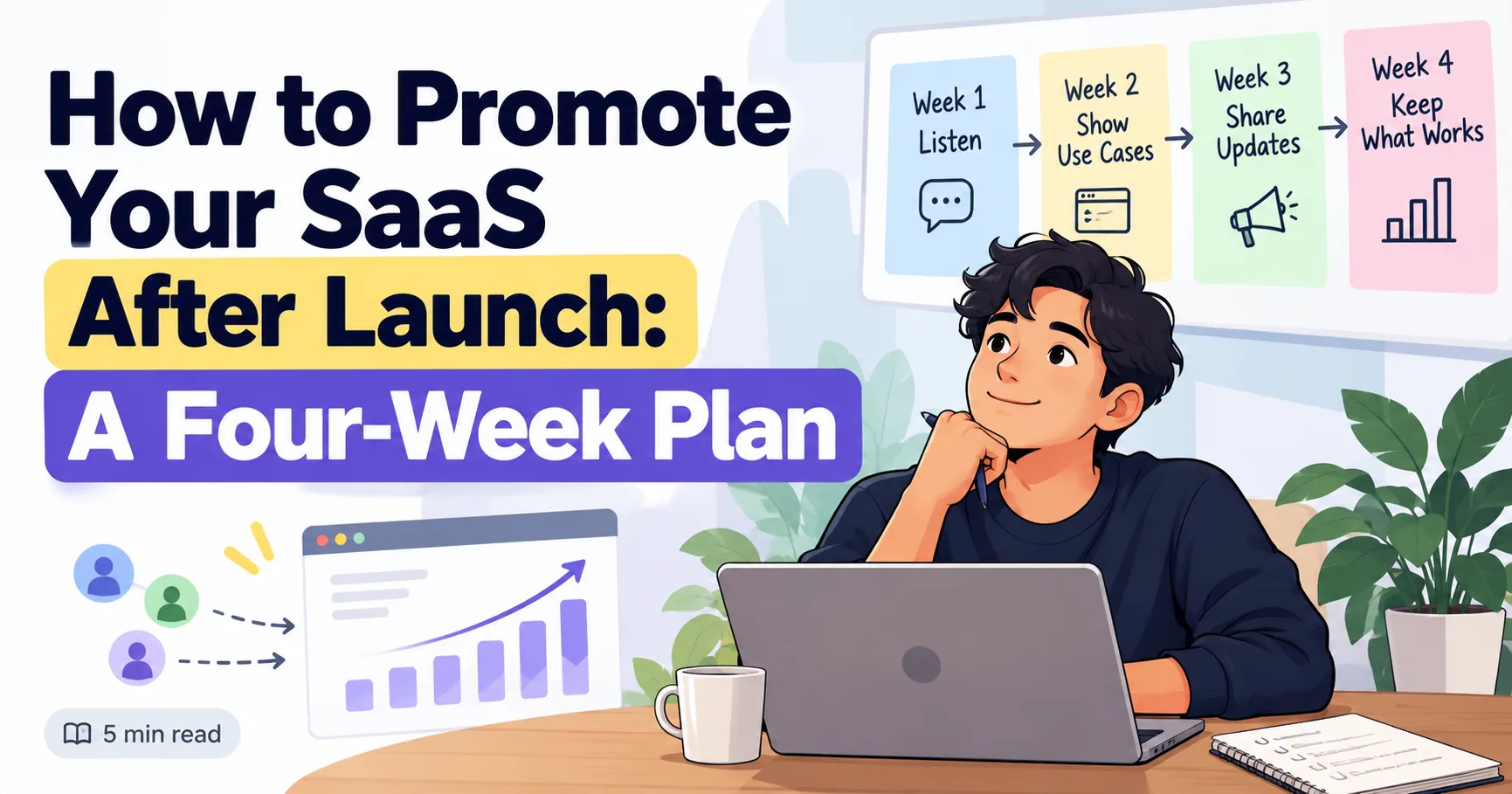
How to Promote Your SaaS After Launch: A Four-Week Plan
Launch day is over, but you still have things worth sharing. Use this four-week plan to reach the right people without posting the same pitch everywhere.
4 min read
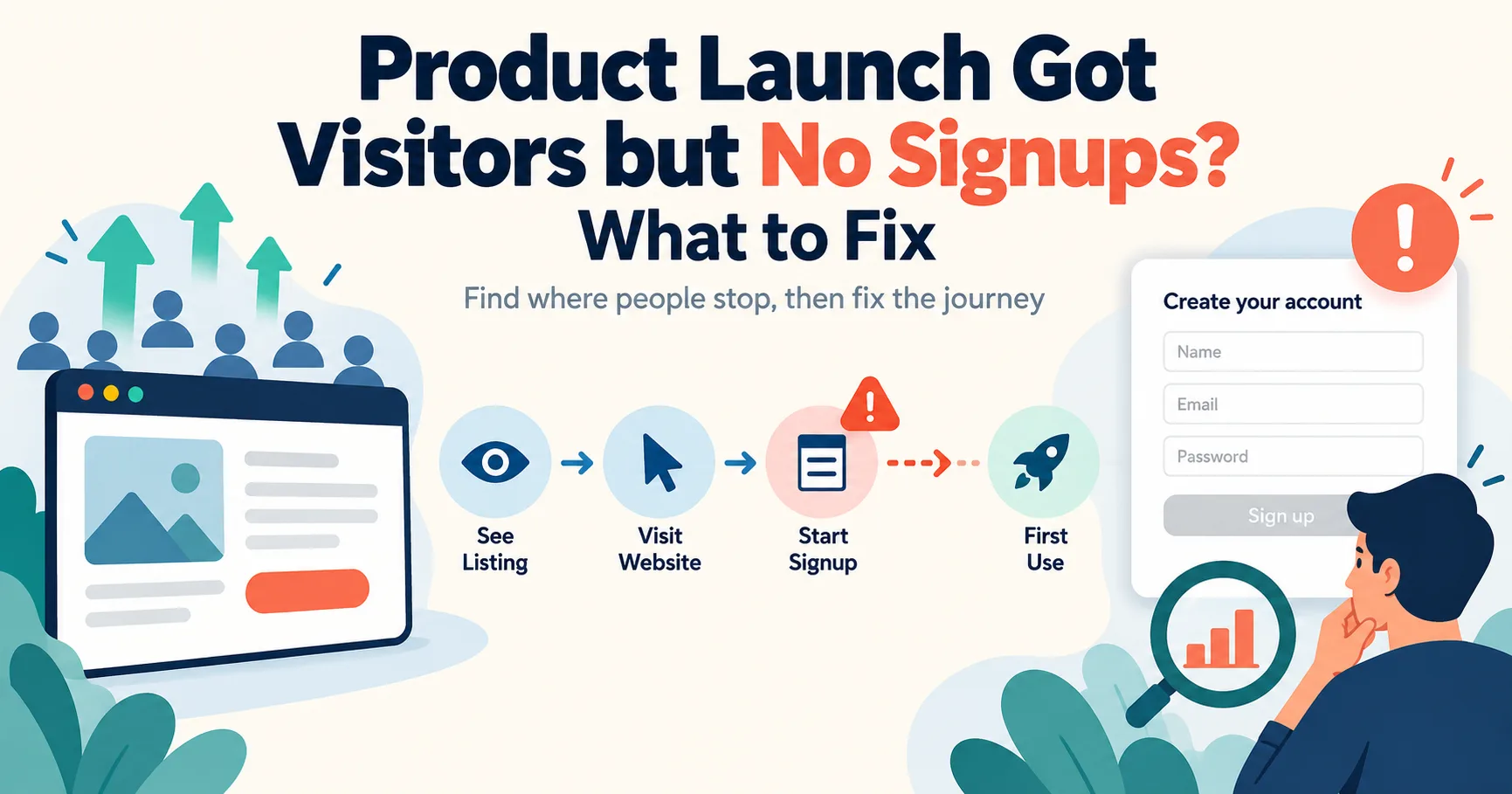
Product Launch Got Visitors but No Signups? What to Fix
People visited your launch page but did not sign up. Find where they stopped, then fix the part of the journey that is losing them.
5 min read