What to Do After Launching a Product: A 30-Day Plan
Your product is live. Here is what to check, measure, and improve during the first 30 days after launch.
Sep 28, 20265 min read
On this page
- First, make sure the launch actually works
- Which numbers should you track after launch?
- Week 1: Watch what new visitors do
- Week 2: Find where people stop
- Week 3: Talk to users and share what changed
- Week 4: Decide what to do next
- What if your product got no signups?
- Should you keep promoting a product after launch day?
Your product is live. You shared the link, watched the first visitors arrive, and checked whether anyone voted or commented.
Now what?
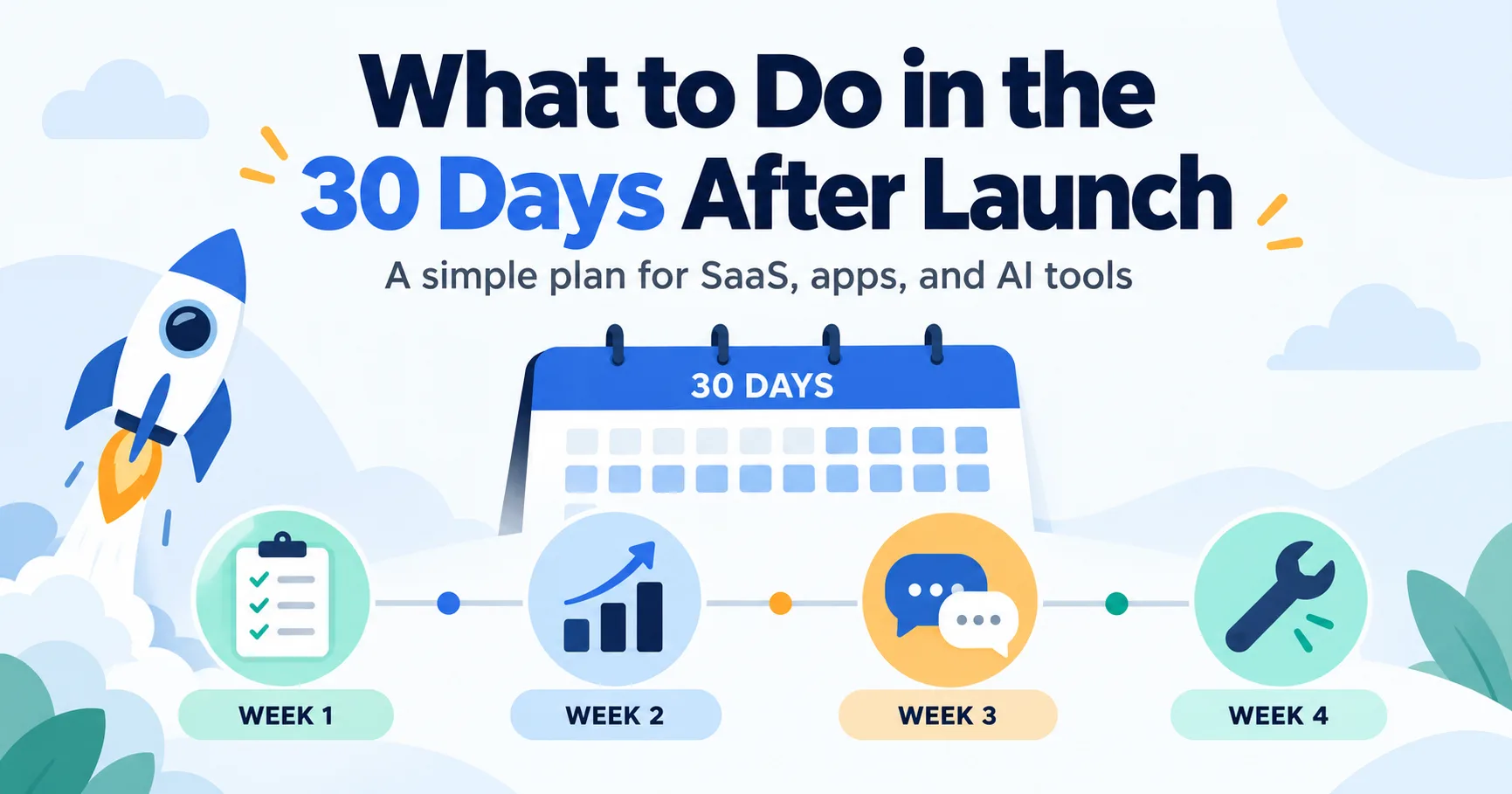
For the next 30 days, focus on four things: make sure people can use the product, see where visitors stop, talk to the people who tried it, and fix the clearest problem. You do not need to post the same launch announcement every day.
Here is a simple plan you can follow after launching a SaaS product, app, or AI tool.
First, make sure the launch actually works
Open your product page and website on your phone. Follow the same path a new visitor would take.
Can someone understand what the product does? Does the website link open the right page? Can they sign up, use the main feature, and get help if something goes wrong?
Test the full path yourself. A broken signup form matters more than another social post.
If you are still preparing to launch, use the SaaS launch checklist before sending people to the product.
Which numbers should you track after launch?
Start with a few numbers that answer different questions.
| Number | What it tells you |
|---|---|
| Product page views | People reached your listing. |
| Website clicks | People wanted to learn more. |
| Signups | People were willing to try the product. |
| First useful actions | New users managed to do the thing the product promises. |
| Comments and questions | People told you what interested or confused them. |
On IndieNeed, your maker analytics can show listing views, website clicks, votes, and comments. Use your own website or product analytics to see signups and what people do after signing up.
Do not treat all these numbers as the same result. A view is not a visit to your website. A website click is not a signup. A signup is not a customer who found the product useful.
Write the numbers down at the end of each week. You are looking for a pattern, not a perfect dashboard.
Week 1: Watch what new visitors do
During the first week, answer comments and pay attention to questions. If several people ask what the product costs or who it is for, your page may not explain those things clearly enough.
Check your website on a real phone. Try signing up with a new account. If your product sends an email, make sure it arrives and its links work.
Ask one or two people to try the product without guiding them through it. Watch where they pause. Do not explain the screen immediately; their confusion is the useful part.
At the end of the week, write down the one thing that most often got in their way.
Week 2: Find where people stop
Look at the path from your listing to the first useful action inside your product.
People view the listing but do not click the website link. Check the first sentence, screenshots, and category. Can a stranger tell what the product does? Show the real product instead of relying only on promotional graphics. The product listing guide can help.
People click through but do not sign up. Check whether your website matches what the listing promised. Is the next step obvious? Is the price clear? Does the page work on mobile?
People sign up but do not use the product. Look at the first screen they see. They may need a clearer starting point, a shorter form, or an example of what to do.
Pick the clearest problem and fix that first. If you change the listing, website, pricing, and onboarding together, you will not know what helped.
Week 3: Talk to users and share what changed
You do not need a big survey. Ask a few people who tried the product:
- What were you hoping it would do?
- What was harder than you expected?
- Did anything almost make you leave?
Listen for repeated answers. One complaint might be a personal preference. The same complaint from several people is worth investigating.
When you make a useful change, tell people about it. Reply to the person who raised the issue. If you have an email list and permission to contact subscribers, send a short update. Share what you learned in a relevant community without repeating your original launch post word for word.
A specific update — “We made the first report easier to create after three users got stuck” — gives people a better reason to return than “Check out our product again.”
Week 4: Decide what to do next
After 30 days, look at what happened beyond the first rush of launch day.
Ask yourself:
- Did people find the product page?
- Did they click through to the website?
- Did they sign up?
- Did they reach the product’s main value?
- What question or problem came up more than once?
- Did anyone come back?
Then choose one next step.
If hardly anyone saw the listing, work on reaching the right audience. If people saw it but did not click, improve how you explain the product. If they signed up but got stuck, improve the product experience before trying to attract more visitors.
A small launch can still be useful when it shows you what to fix.
What if your product got no signups?
Start by checking that the signup flow works. Then look at how many people reached your website. A handful of visits is too little information to conclude that nobody wants the product.
If people visited but did not sign up, ask someone in your intended audience to read the page and tell you what they think the product does. Compare their answer with what you meant to say.
Do not buy more promotion until you understand the problem.
Should you keep promoting a product after launch day?
Yes, when you have something useful to share.
A product improvement, a clear example of how someone uses it, or an honest lesson from customer feedback can all give people a reason to look again. Choose communities where that information belongs, and follow their rules.
Launch day starts the conversation. The work you do afterward gives people a reason to stay.
If you have a product ready for visitors, you can submit it to IndieNeed. Pick a day when you can answer questions, then use the following month to learn what your first visitors actually need.
Launch your product on IndieNeed
Free to submit, hand-reviewed, and you pick the launch day.
Submit a productProducts to explore
Related articles
Where to Submit Your Startup in 2026
Most founders dump their product into 80 sites and hear nothing. Here is a one-week order that actually gets visitors, listings, and a few real backlinks.
Sep 20, 20269 min read
SaaS Launch Checklist: 25 Things to Check Before You Launch
A simple SaaS launch checklist for founders covering everything worth checking before, during and after launch day.
Sep 15, 202611 min read
Why Your Startup Is Hard to Find on Google in 2026
Launched your startup but cannot find it on Google? Here are the simple things worth checking before worrying about rankings.
Aug 29, 20264 min read