Product Launch Got Visitors but No Signups? What to Fix
People visited your launch page but did not sign up. Find where they stopped, then fix the part of the journey that is losing them.
Oct 6, 20265 min read
On this page
People are visiting your product, but nobody is signing up. It is tempting to rewrite the whole website or buy more traffic.
First, find where people stop.
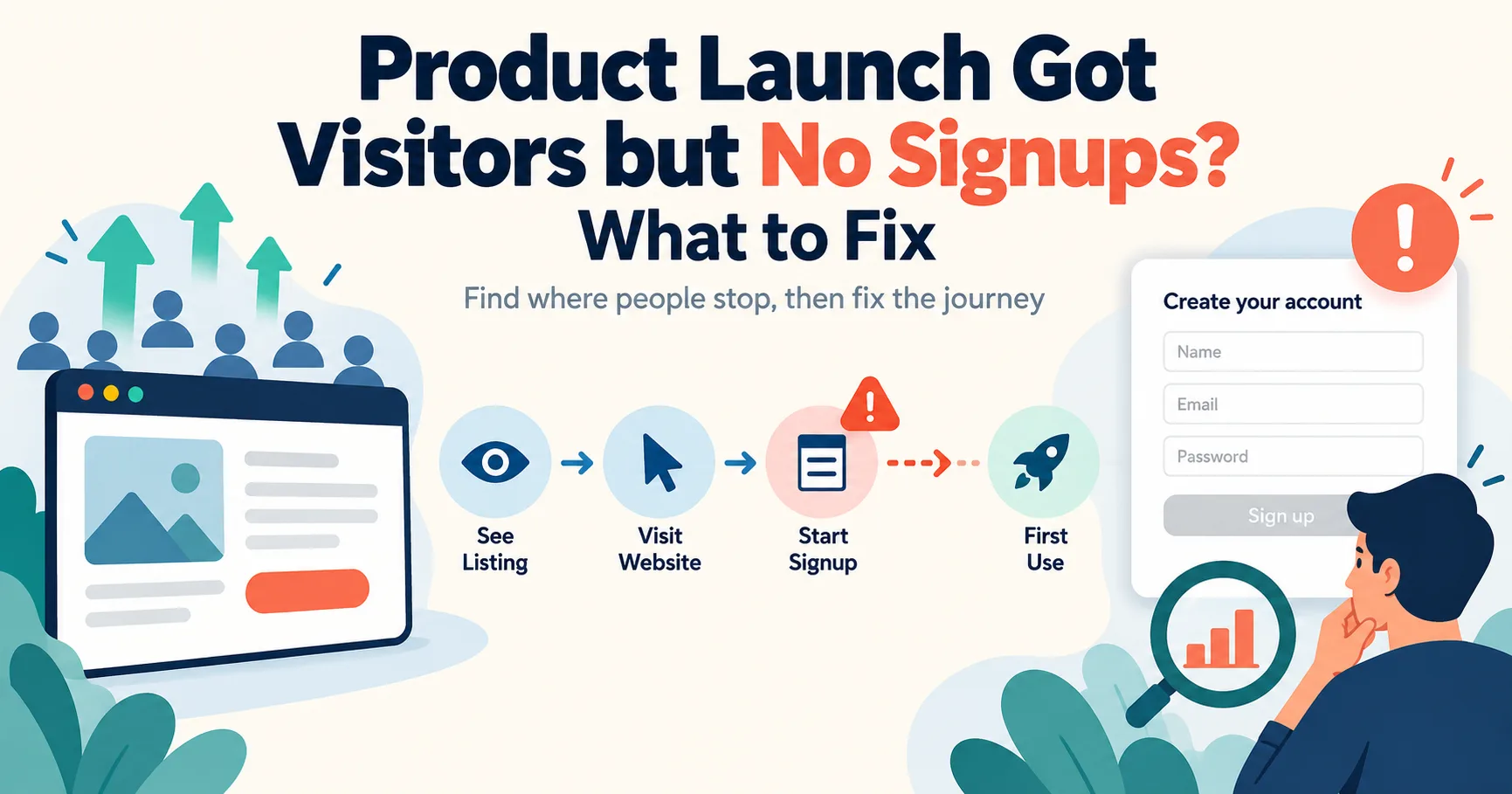
A visitor has to understand your listing, click through, understand your website, complete signup, and get something useful from the product. If one step is unclear or broken, more visitors will meet the same problem.
Here is how to find that step and fix it.
Check that the signup problem is real
Before changing your copy, try signing up yourself as a new user. Use a phone and an email address you have not used for testing.
Check the whole path:
- Open your product listing.
- Click the website link.
- Find the signup button.
- Fill in the form.
- Open any verification email.
- Sign in and try the main feature.
Look for broken links, forms that do nothing, missing emails, confusing errors, and pages that do not fit a phone screen.
Also check that your analytics record a completed signup. If signup tracking is broken, the dashboard may say “zero” even when people created accounts.
Find where visitors leave
You need a few numbers from two places. Your IndieNeed maker analytics can show listing views and website clicks. Your own website or product analytics should show visits, signup starts, completed signups, and first use.
| What you see | Where to look first |
|---|---|
| People view the listing but rarely click the website | Listing title, description, screenshots, and category |
| People reach the website but do not start signup | Landing page, offer, price, and main button |
| People start signup but do not finish | Form, verification email, errors, and mobile layout |
| People sign up but never use the product | Onboarding and the first task inside the product |
These are clues, not proof. A website click may not appear as a visit in your analytics, and a small number of visitors is not enough to judge a conversion rate with confidence. Look for a repeated pattern before making a big decision.
If people do not click from the listing
Read your listing without relying on what you already know about the product.
Can someone tell who it helps and what it does from the first sentence? Do the images show the product in use? Is the category one a visitor would expect?
For example, “An AI-powered platform that transforms productivity” does not tell someone what they will be able to do. “Turn customer emails into a short list of bugs to fix” gives them a clearer reason to click.
Show the real interface where you can. A screenshot of the main task is often more helpful than a graphic covered in promises.
Our guide to writing a better product listing has more examples.
If people click but do not start signup
Compare your listing with the first screen of your website. Do they describe the same product?
A visitor who clicked to find a simple invoice tool should not land on a page that opens with a long story about the company. Tell them what the tool does, show what using it looks like, and make the next step easy to find.
Check these questions:
- Is the main button visible on a phone?
- Does the button say what will happen next?
- Can visitors understand the price before creating an account?
- Is there a screenshot, example, or demo of the actual product?
- Can someone find support or contact information if they have a question?
Do not add five competing buttons to solve a weak first impression. Make the main path clearer.
If people start signup but do not finish
This is where testing the actual form matters.
Try a valid email, an incorrect email, a weak password, and a return visit after closing the page. Check whether error messages explain what to do. If you send a verification email, make sure it arrives and its link opens the right page.
Remove fields you do not need at signup. Keep the security checks you do need, but do not make people provide information that can wait until they use the product.
If the form is frustrating on a phone, fix that before paying to attract more visitors.
If people sign up but do not use the product
A signup is a beginning. A new user still needs to reach the thing they came for.
Open a fresh account and look at the first screen. Is the next action obvious? If the dashboard is empty, does it explain how to start? Can someone complete the main task without reading a long help page?
Ask someone in your intended audience to try it while you watch. Do not guide them. Where they pause will tell you more than another round of guessing at button text.
Ask visitors one useful question
Numbers can show where people left. A conversation can help explain why.
Ask someone who tried the product: “What were you expecting to happen next?” Listen to the answer before explaining how the product works.
If several people misunderstood the same sentence or got stuck on the same screen, you have found something worth fixing. If one person simply did not need the product, that does not mean the page is broken.
Use real feedback. Do not invent testimonials or make claims your product cannot support.
Change one thing, then check again
Pick the clearest problem. Fix it, note the date, and keep measuring the same steps.
If listing views are high but clicks are low, improve the listing first. If people reach the website but cannot finish signup, fix the form first. Changing every page at once makes it harder to tell what worked.
Do not expect a meaningful answer from a handful of visits. Keep talking to users while the numbers are small.
A launch that gets visitors but no signups is disappointing, but it gives you a place to start. Find the step where people stop, make that step easier, and see whether the next group gets further.
Launch your product on IndieNeed
Free to submit, hand-reviewed, and you pick the launch day.
Submit a productProducts to explore
Related articles
What to Do After Launching a Product: A 30-Day Plan
Your product is live. Here is what to check, measure, and improve during the first 30 days after launch.
Sep 28, 20265 min read
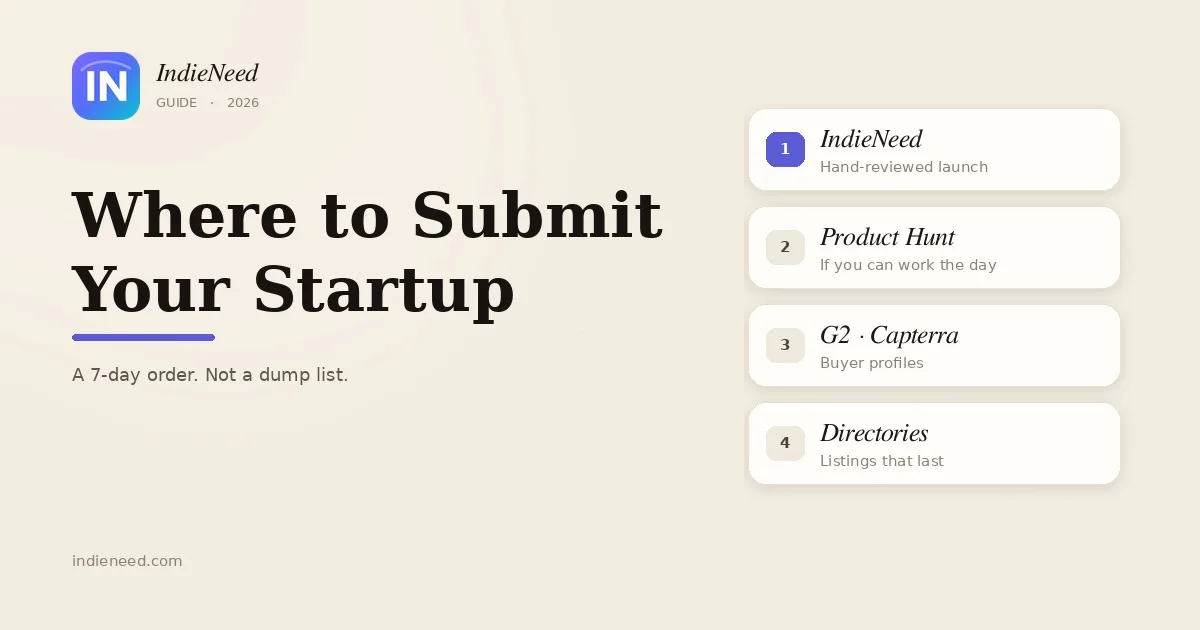
Where to Submit Your Startup in 2026
Most founders dump their product into 80 sites and hear nothing. Here is a one-week order that actually gets visitors, listings, and a few real backlinks.
Sep 20, 20269 min read
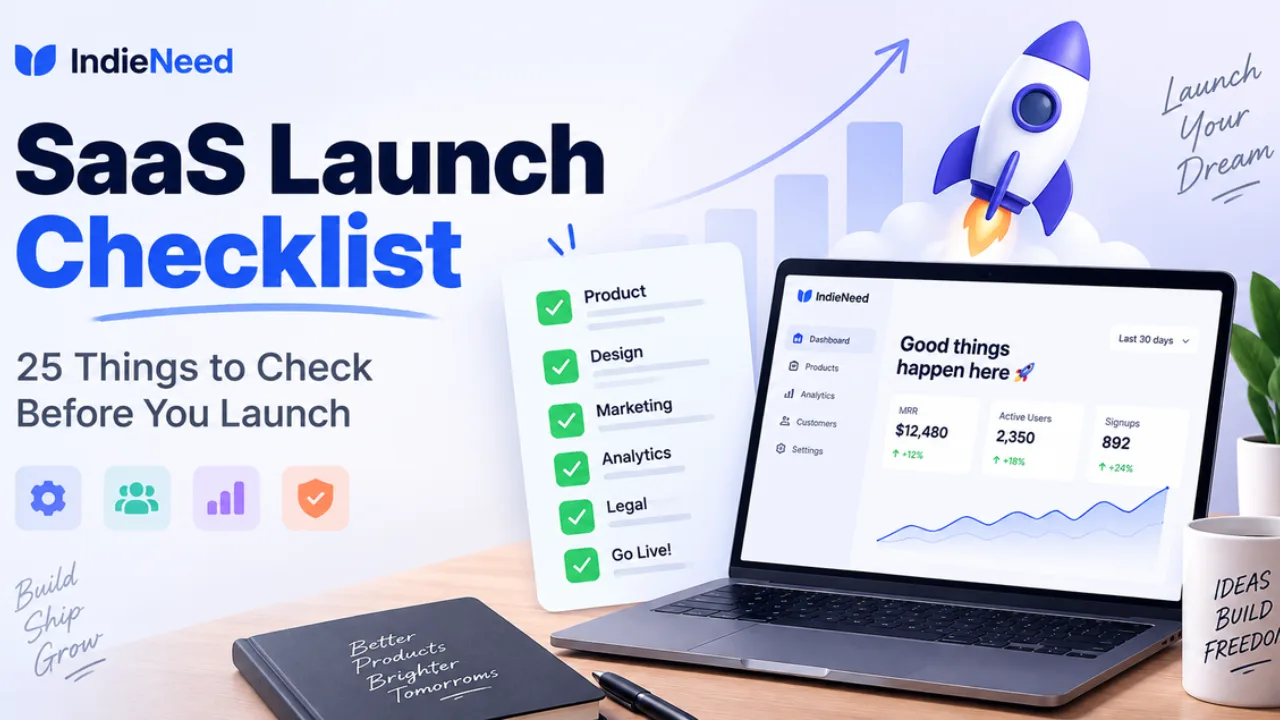
SaaS Launch Checklist: 25 Things to Check Before You Launch
A simple SaaS launch checklist for founders covering everything worth checking before, during and after launch day.
Sep 15, 202611 min read